

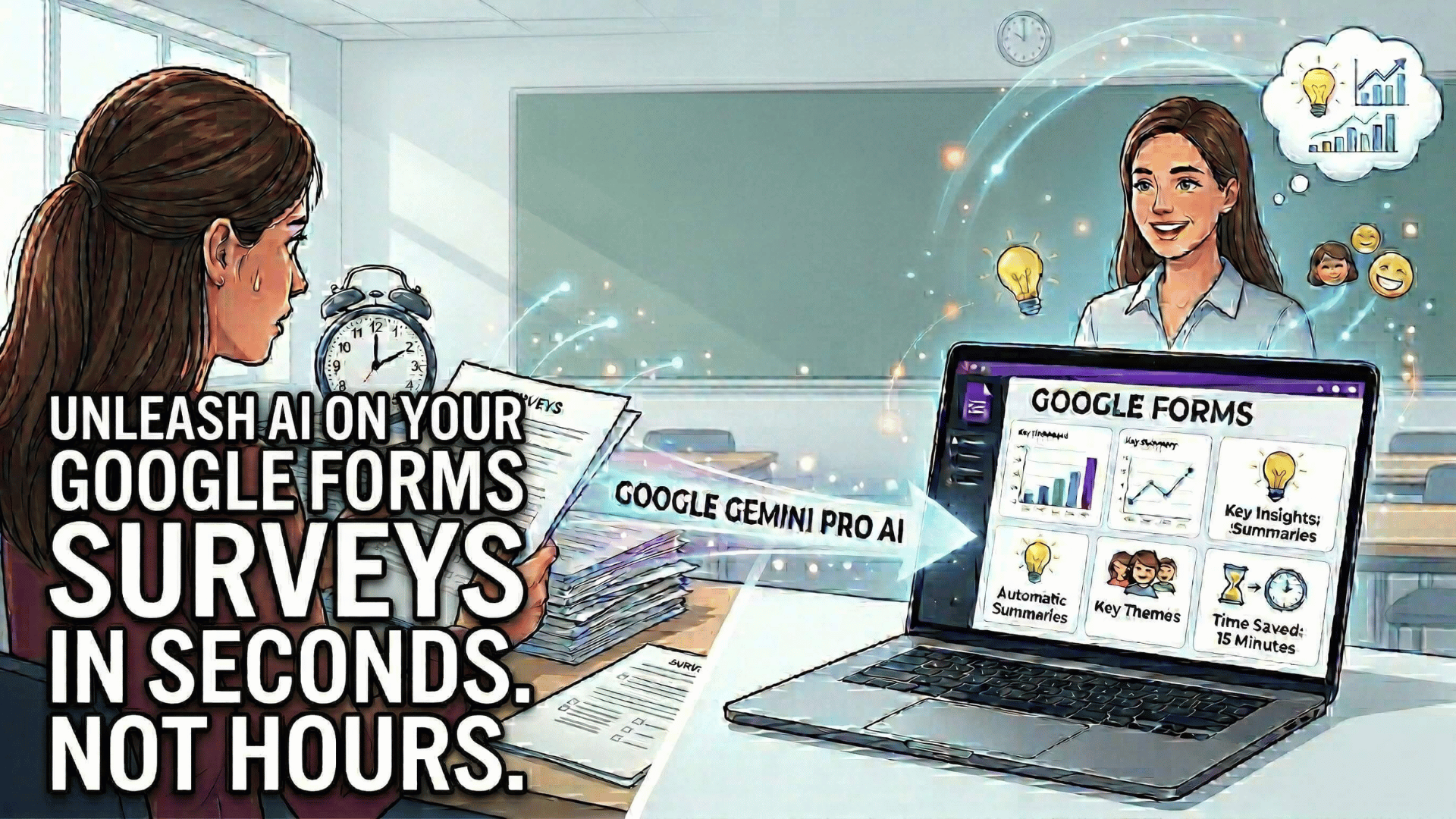
Recently, I was preparing to give my middle school students a survey to conclude the semester together. Like many educators, I wanted genuine feedback — what worked, what didn”t, and what would help me serve them better next semester.
I built a 20-question form: some multiple choice to track patterns, some open-ended to capture the nuance that numbers can’t. In the past, this would have meant hours of reading through responses, manually categorizing themes, and trying to make sense of conflicting feedback.
But this time was different.
Using Google Gemini Pro directly inside Google Forms, I was able to:
- Create the survey in minutes by describing what I wanted
- Collect responses from my students during the final week
- Let Gemini summarize all the open-ended responses automatically — surfacing themes, concerns, and celebrations I might have missed
What used to take me an entire afternoon now took 15 minutes. And the insights were better — Gemini caught patterns across 80+ student responses that I would have glossed over.
That experience made me realize: Google Forms has quietly become one of the most powerful AI-enhanced tools in a teacher’s toolkit. And most educators have no idea what it can do now.
So let’s fix that.
5 Things You Didn’t Know Google Forms Could Do
1. Gemini Can Summarize Open-Ended Responses for You
What it does: Instead of reading through dozens (or hundreds) of text responses manually, Gemini analyzes all your open-ended answers and surfaces key themes, sentiment, and actionable takeaways.
Why it matters: This is a game-changer for end-of-unit reflections, student feedback surveys, and formative assessments. You get the qualitative richness of open-ended questions without the time sink.
Quick Win: Next time you collect open-ended feedback, click the Gemini icon in the Responses tab and ask: “Summarize the main themes from this question.”
Learn more:
2. Forms Can Be Auto-Created from Prompts Inside Google Classroom
What it does: From inside Google Classroom, you can now generate a Google Form by describing what you need — and it’s automatically attached to your assignment.
Why it matters: No more context-switching between tabs. You’re planning a formative assessment in Classroom, you describe it, and it’s ready to assign in seconds.
Quick Win: In Google Classroom, create a new assignment and select “Quiz assignment.” Use the prompt field to describe your assessment (e.g., “5-question multiple choice quiz on the water cycle for 4th graders”).
3. Describe What You Want and Forms Will Build It Automatically
What it does: The “Help me create” feature lets you describe your form in plain language (e.g., “event registration form with name, email, and dietary restrictions”) and Gemini builds the entire form structure for you.
Why it matters: You skip the tedious setup and get straight to customization. This feature now works in seven languages, making it accessible to a global audience.
Quick Win: Open a new Google Form, click “Help me create,” and describe your next survey, quiz, or registration form. Watch Gemini build it in seconds.
Learn more:
4. Forms Can Automatically Close Based on Date/Time or Response Count
What it does: Set your form to stop accepting responses at a specific date and time — or after a certain number of responses.
Why it matters: Perfect for event RSVPs with capacity limits, time-sensitive surveys, or registration windows. No more “oops, I forgot to close the form” moments.
Quick Win: After publishing your form, go to the Responses tab, click the three-dot menu, and set a close date or response limit.
Learn more:
5. Advanced Sharing Settings Give You More Control Over Who Responds
What it does: Instead of the old “anyone with the link” or “trusted domains” settings, you now have granular control using individual accounts, Google Groups, and target audiences.
Why it matters: Better security, FERPA compliance, and peace of mind. You can ensure only your students (or specific groups) can access sensitive surveys.
Quick Win: Before sharing your form, click the gear icon (Settings) and explore the “Responses” section. Set specific permissions instead of defaulting to “anyone with the link.”
Learn more:
The Bottom Line: Google Forms Is Smarter Than You Think
Google Forms has evolved from a basic survey tool into an AI-powered data collection and analysis platform. These five features represent a fundamental shift: Forms can now think with you, not just collect for you.
Whether you’re gathering student feedback, running formative assessments, or managing event registration, these tools save time and surface insights you’d otherwise miss.
My challenge to you: Pick one feature from this list and try it this week. Then let me know what you discover.
Upgrade Your Teaching Toolkit
Join me every Sunday for my best productivity tips, tricks, and strategic systems delivered straight to your inbox. Sign up today and instantly receive a free chapter of Impact Standards.
Like this:
Loading…
